Request a demo
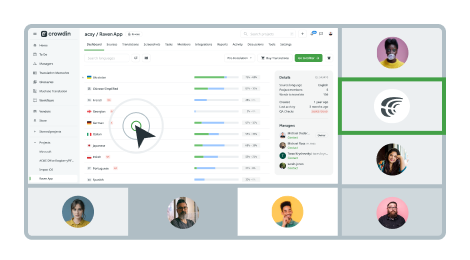
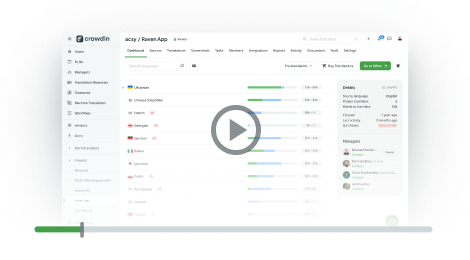
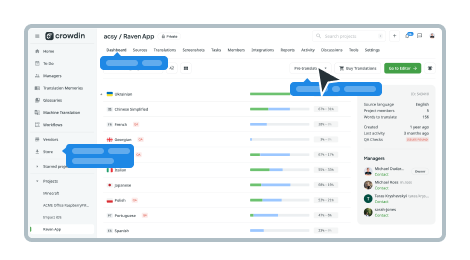
Schedule a free personalized demo with our growth manager. Learn how to streamline your content localization with our online translation management tool.

Which product is right for you?
Crowdin.com
For individuals and teams
Start making your content multilingual right away. Translate with your own team, volunteers, or translation agency. Full-featured Online Editor for translators and core automation features for managers.




Crowdin Enterprise
For multiple teams and businesses
Get enterprise-level security and control. Make your whole company multilingual, translate multiple products and content types. Automate localization workflows and let several teams work in one place, within your Crowdin organization.

Want to see Crowdin in action?
Explore the solution without registration and claim your account any time. One click to start.
See in Action